Your first little spark.
£2.99 once
6 crystals
- 6 standard images, 3 high-detail images or a 10-second video
- One starter pack per account
- No subscription or automatic renewal
Now on the App Store iPhone Duo ready
Open up more room for your creations, with side controls and a larger gallery view.
Drop in when inspiration strikes, or make a little space for creativity every month.
Monthly or yearly membership. Renews automatically until cancelled.
£2.99 once
6 crystals
£10 once
20 crystals
£10 / month
24 crystals every month
£108 / year
Equivalent to £9 a month · paid yearly
288 crystals upfront
Loading membership options…
Your membership continues until the end of your paid period. Stopping renewal does not automatically refund that period. Already issued crystals stay in your wallet.
1 crystalStandard image, headshot or saved style report
2 crystalsHigh-detail image
3 crystalsFive-second outfit video
Your daily stamp rewards are included on every plan. You can also buy extra crystal bundles whenever you need them.
Monthly Plus adds 24 crystals after each successful monthly payment. Yearly Plus adds all 288 crystals after each successful yearly payment, ready to use whenever you like. You can buy extra bundles of 20 crystals for £10 at any time.
You can stop the next renewal from this page. Your paid membership continues to its end date. Crystals already issued remain in your wallet. Refunds or payment disputes may adjust the associated crystals.
For this preview, stop renewal and wait until your current term ends before choosing another plan. This keeps charges and crystal allocations clear.
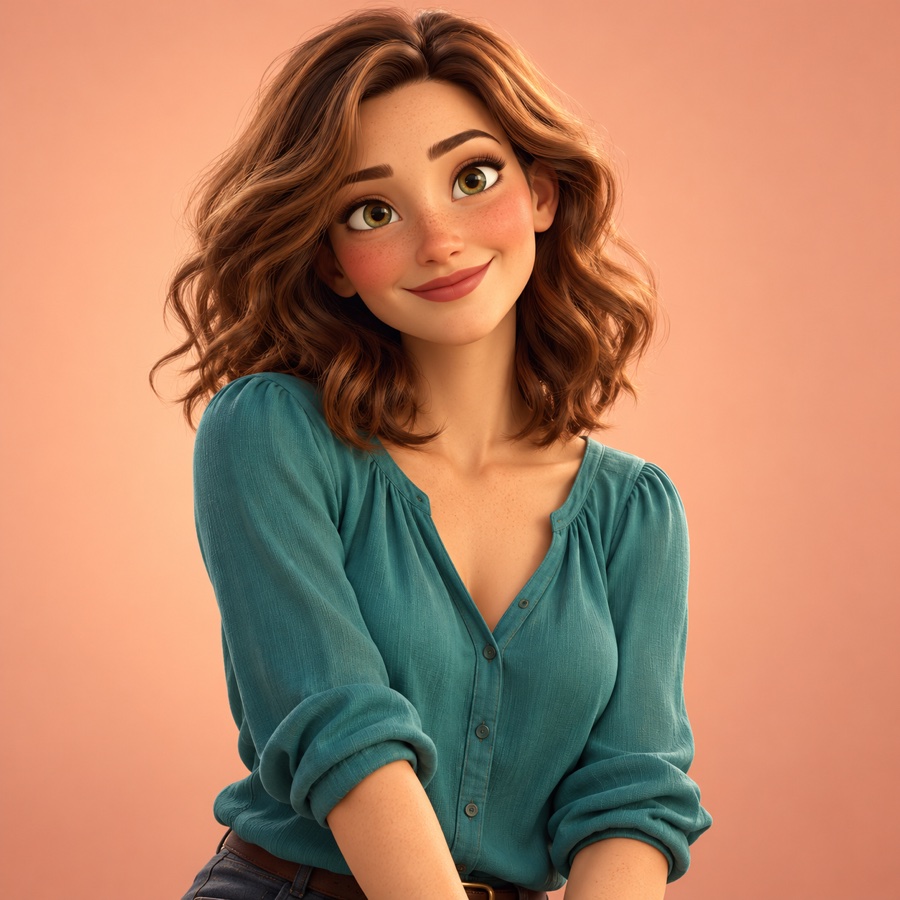
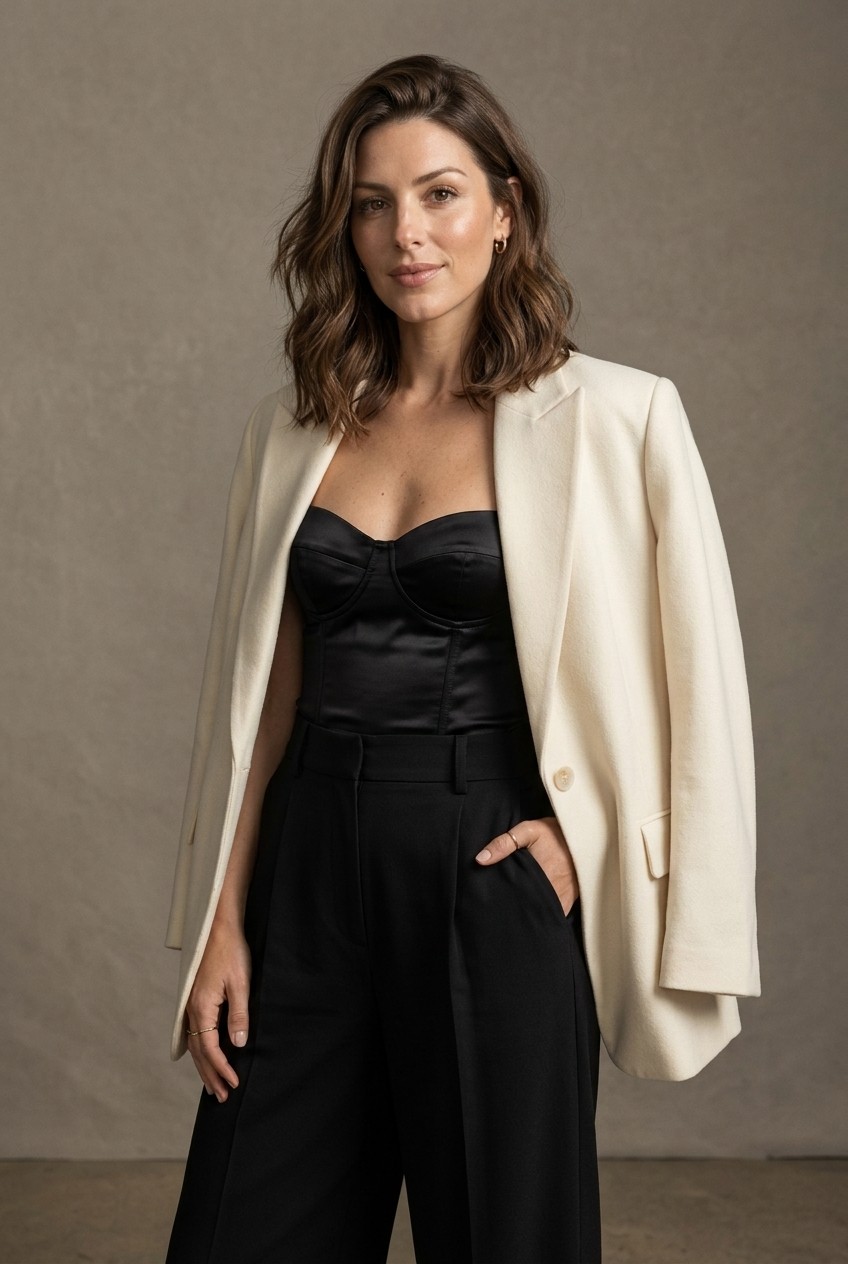
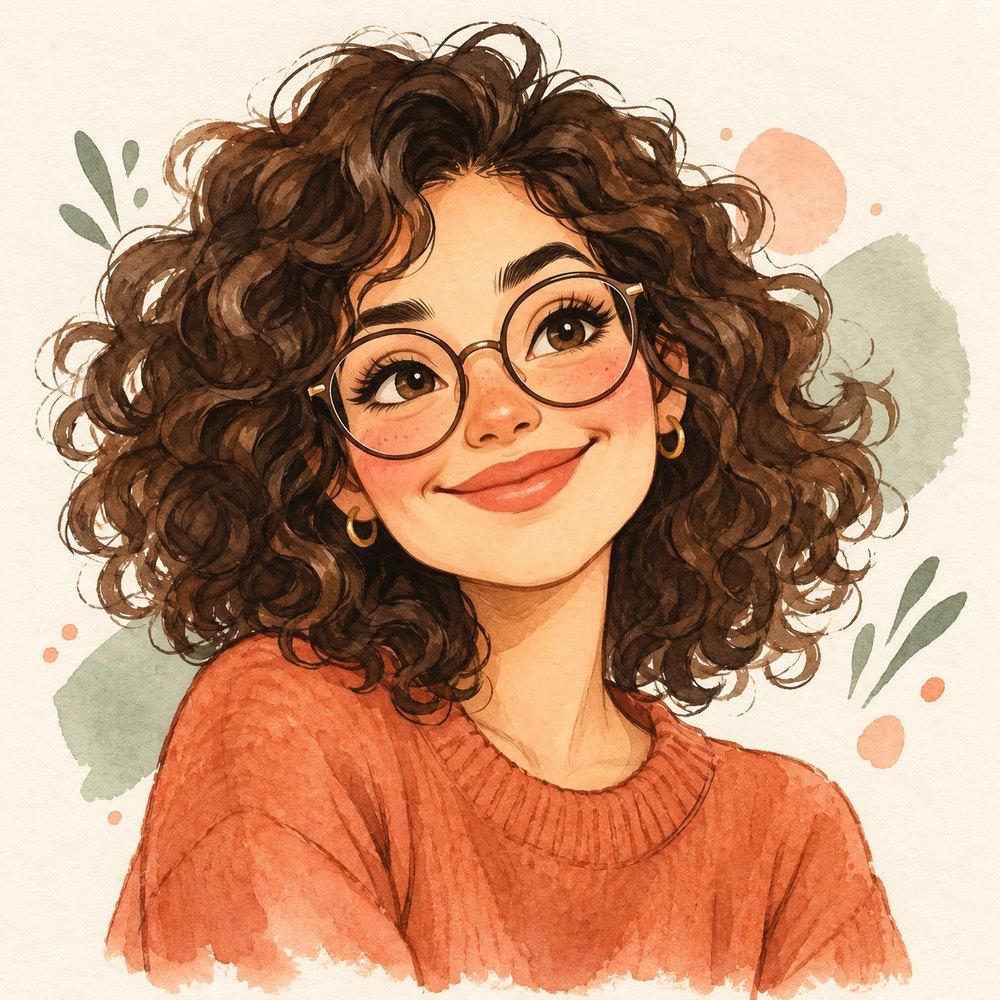
Try a new hairstyle, preview an outfit, create a professional portrait or turn yourself into a playful character. Your personal AI creative studio starts with one photo—or just an idea.
Step into your studio ↗Explore all the ways to create →Sign in / My account →Try 6 crystals for £2.99 · one-time starter offer →Try 3 standard images free, without an account. Sign up and verify your email for another 3 crystals, then collect 1 free crystal every day. No card needed.
Standard images cost 1 crystal; high detail costs 2.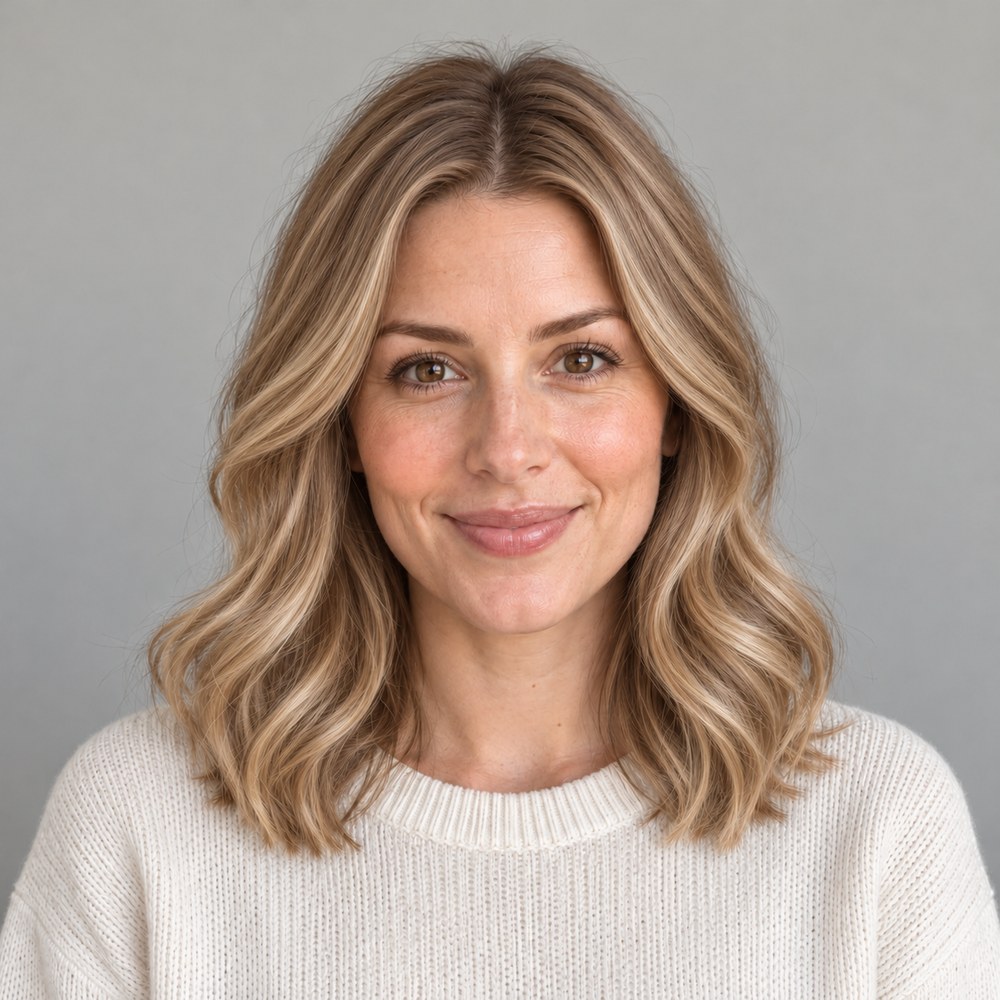

 01 / CREATE
Headshots, products, pets and a little playful imagination.
Explore templates ↗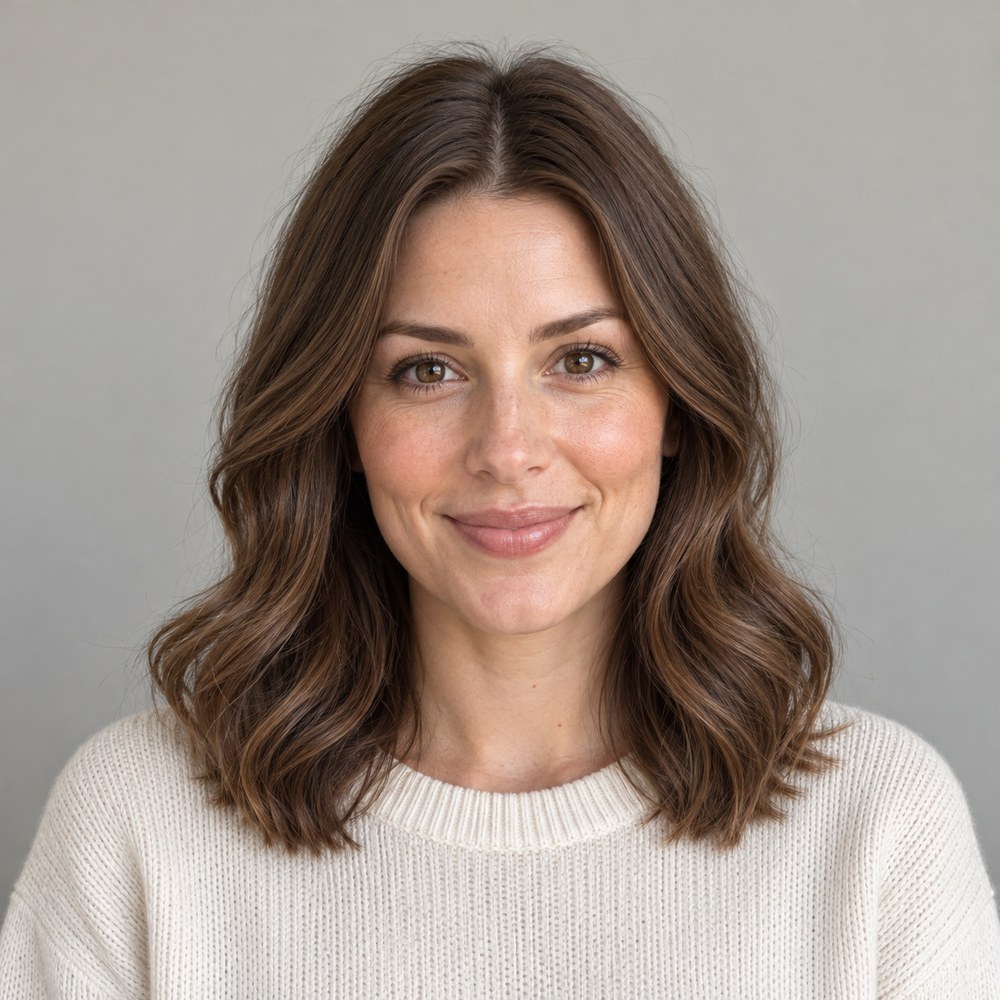 02 / DISCOVER
Explore flattering colours, fresh hair ideas and a stronger profile photo.
Find your style ↗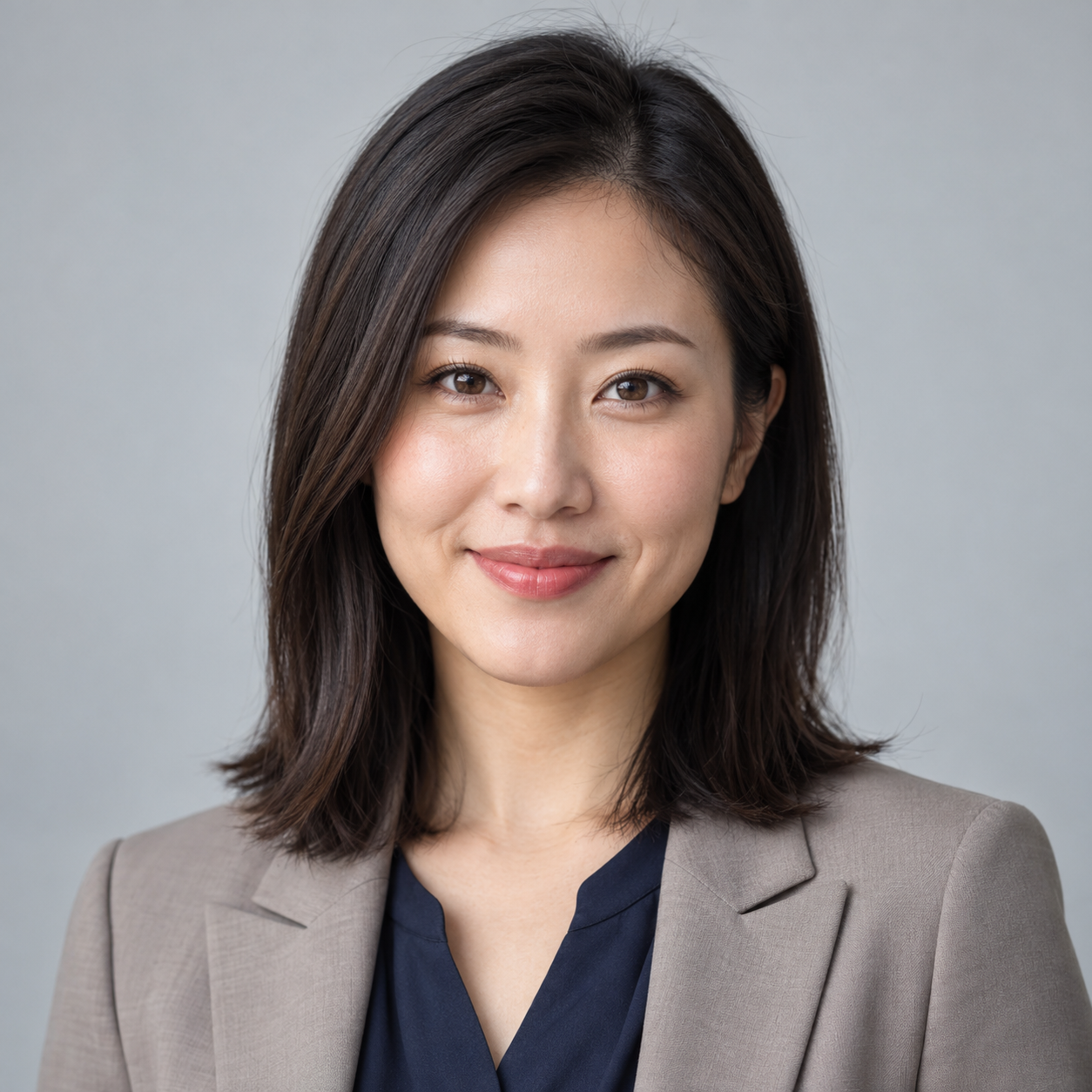 03 / REIMAGINE
Combine your own clothes, try on a look and bring it to life.
Open your wardrobe ↗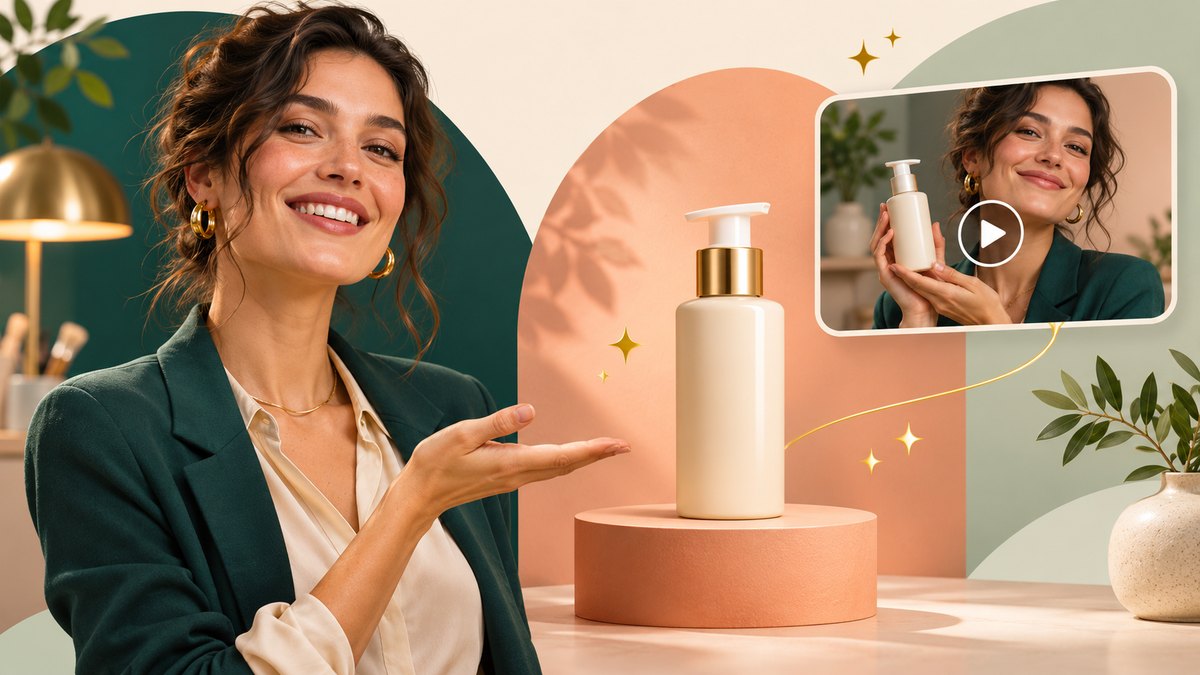
Turn your photos and ideas into an image or video advert. Add your own logo, website details, colours and fonts, then bring it to life with speech and effects.
Try our duck-under-text opening, where your presenter walks beneath your headline.
Sign in to create adverts. Crystal costs are shown before generation. Guest crystals cover standard images only. Review AI-generated speech and details before sharing.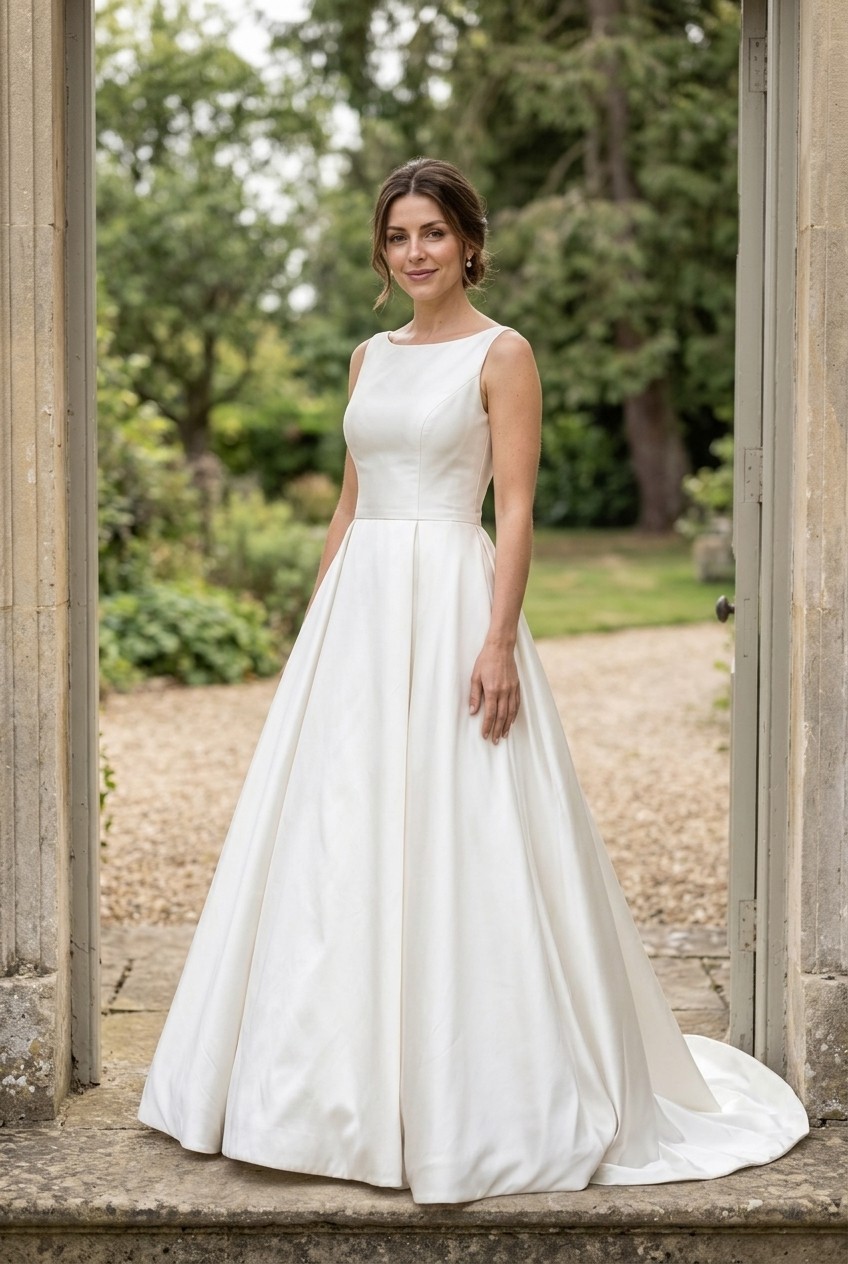
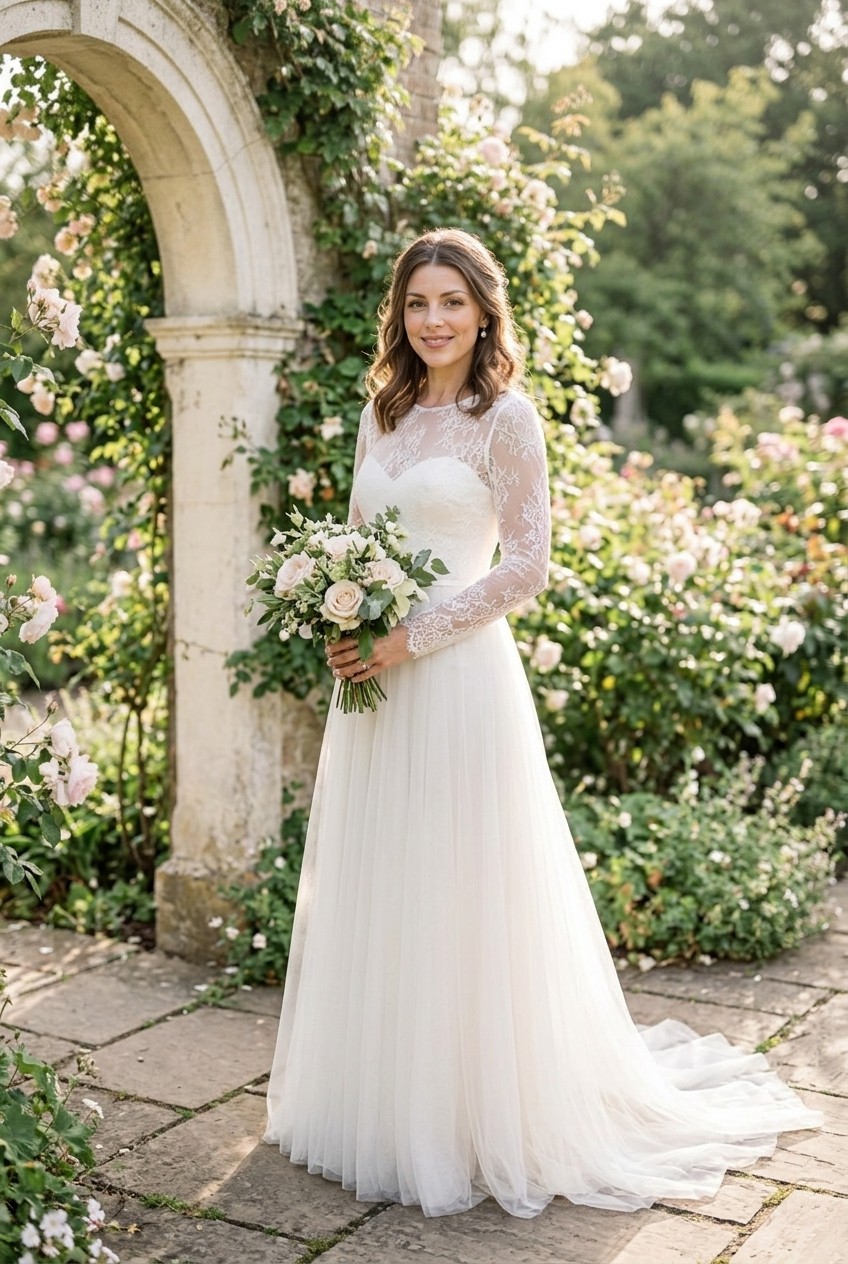
Found a dress you love? Upload your photo and a picture of the dress to create your own bridal glamour portrait. Or explore our Classic satin and Romantic lace looks.
Portrait: 1 crystal standard / 2 high detail. Optional 5-second animation: 3 crystals.
AI preview. Actual fit, likeness and dress details may vary.AI examples for inspiration. Your results will vary. Create with crystals, at your own pace.
Your idea. Your style. A whole new world to create.
Add up to three photos of a person, product or setting, then describe one continuous scene. Your clip stays in your private gallery.
Your photos and prompts are sent to Google to create your results. Uploaded and generated media is stored with Bunny. Your gallery is not public; authorised studio admin access is available for support, troubleshooting and quality review.
Saved media stays until you remove it or delete your account. Account deletion queues media removal, normally within 24 hours; backups and provider retention may differ. Read our photo privacy policy.
For better results, use a clear, well-lit photo without heavy filters. AI likeness, colours and clothing details may vary.
Choose an image and describe its movement. Crystals are spent only when your clip is saved.
Try drifting clouds, a playful pet or a gentle turn. Keep your instructions simple for a short clip.
Download videoAI can change details. Review your result before sharing.
A quiet observatory on a tiny island, an oversized coral moon, midnight-blue water. Cinematic light, a little mystery.
Your account, your collection, your creative journey.
Sign in to see your account and private collection.
Collect 1 free crystal every day you check in. Miss a day? Come back anytime for your next daily crystal.
Verify your email to receive 3 welcome crystals.
See who is joining, collecting crystals and creating. Find an account and select its name to give live crystals.
Your latest 10 requests
Preview access
Explore the studio while payments are being connected.
Email not verified
Checking email services…
Explore colours and styling ideas inspired by your photo.
A personal palette, observations about your hair and eyes, and ideas for clothing, hair and accessories. Inspiration to try, with your own taste at the centre.
Choose a clear photo of one person, with their face, hair and eyes visible.
Your photos and prompts are sent to Google to create your results. Uploaded and generated media is stored with Bunny. Your gallery is not public; authorised studio admin access is available for support, troubleshooting and quality review.
Saved media stays until you remove it or delete your account. Account deletion queues media removal, normally within 24 hours; backups and provider retention may differ. Read our photo privacy policy.
For better results, use a clear, well-lit photo without heavy filters. AI likeness, colours and clothing details may vary.
1 crystal is reserved at the start and spent only when your report is saved. Failed requests release the crystal. Reports and their source photos are saved privately to your account. Outfit images are optional and charged separately.
Google analyses your photo. Reports and source photos are saved privately to your account. Outfit images are optional and charged separately.
Fresh outfits from pieces you already love.
A favourite top, a dress or a pair of shoes. One piece is enough.
Your photos and prompts are sent to Google to create your results. Uploaded and generated media is stored with Bunny. Your gallery is not public; authorised studio admin access is available for support, troubleshooting and quality review.
Saved media stays until you remove it or delete your account. Account deletion queues media removal, normally within 24 hours; backups and provider retention may differ. Read our photo privacy policy.
For better results, use a clear, well-lit photo without heavy filters. AI likeness, colours and clothing details may vary.
Use one garment per photo where possible. JPG, PNG or WebP · up to 25 MB each, resized automatically. Photos stay on this device until you generate or save.
02 / ADD TO YOUR LOOK · OPTIONALAdd up to six pieces in total. Remove any piece below to change your look.
Choose your garments above.
Find similar items on Amazon UK, one garment at a time. Descriptions are identified from your photos; editing is optional. These are searches, not verified matches; no crystals are spent.
Your photos and prompts are sent to Google to create your results. Uploaded and generated media is stored with Bunny. Your gallery is not public; authorised studio admin access is available for support, troubleshooting and quality review.
Saved media stays until you remove it or delete your account. Account deletion queues media removal, normally within 24 hours; backups and provider retention may differ. Read our photo privacy policy.
For better results, use a clear, well-lit photo without heavy filters. AI likeness, colours and clothing details may vary.
A clear full-length photo works best. JPG, PNG or WebP · up to 25 MB; large photos resize automatically.
Charged only when your image saves. This AI outfit preview may change clothing details or likeness; it does not predict sizing or fit.
Choose a model or your photo, then create your outfit preview. Your full-length result will appear here.
Name your selected garments and choose a category to keep them in your private account. Reuse them on your next visit. Saving garments costs no crystals.
These reports are optional. You can create a look above without a report.
Your photos and prompts are sent to Google to create your results. Uploaded and generated media is stored with Bunny. Your gallery is not public; authorised studio admin access is available for support, troubleshooting and quality review.
Saved media stays until you remove it or delete your account. Account deletion queues media removal, normally within 24 hours; backups and provider retention may differ. Read our photo privacy policy.
For better results, use a clear, well-lit photo without heavy filters. AI likeness, colours and clothing details may vary.
0 of 6 photos
For the clearest wardrobe cards, use one item per photo: a top, trousers, a dress, a jacket, a pair of shoes or an accessory. Lay it flat or hang it in good light with the whole item visible. Add up to six photos. Shared outfit photos still work, but their items show category labels rather than repeated outfit pictures. Neutral supporting clothes may be added to complete a try-on look. JPG, PNG or WebP · up to 25 MB each; large photos resize automatically. Photos stay on this device until you start.
1 crystal per saved report. Failed or unusable reports release the reservation.
Try a colour, a cut, or just a little curiosity.
From a softer fringe to a copper moment. Choose a change, then compare it with your original photo right here.
Your photos and prompts are sent to Google to create your results. Uploaded and generated media is stored with Bunny. Your gallery is not public; authorised studio admin access is available for support, troubleshooting and quality review.
Saved media stays until you remove it or delete your account. Account deletion queues media removal, normally within 24 hours; backups and provider retention may differ. Read our photo privacy policy.
For better results, use a clear, well-lit photo without heavy filters. AI likeness, colours and clothing details may vary.
One clear face, whole head visible, natural light. JPG, PNG or WebP · up to 25 MB; large photos resize automatically. Your photo stays on this device until you start.
A preview is charged only when saved. An unconfirmed request can be reviewed without starting another.
A visual idea for your hairdresser, not a prediction of salon results. Your starting colour, texture and treatments affect what is achievable.
Explore a change before committing. Upload your photo to create your own private comparison.
AI may change likeness or details. Compare carefully before using or sharing. Originals are retained privately with saved previews.
Practical feedback and a polished portrait to compare.
Understand the light, crop and background. Get a simple plan for your next photo, then choose whether to create a preview.
AI-created exampleYour photos and prompts are sent to Google to create your results. Uploaded and generated media is stored with Bunny. Your gallery is not public; authorised studio admin access is available for support, troubleshooting and quality review.
Saved media stays until you remove it or delete your account. Account deletion queues media removal, normally within 24 hours; backups and provider retention may differ. Read our photo privacy policy.
For better results, use a clear, well-lit photo without heavy filters. AI likeness, colours and clothing details may vary.
One clear face, whole head visible, natural light. JPG, PNG or WebP · up to 25 MB; large photos resize automatically. Your photo stays on this device until you start.
1 crystal per saved report. Failed or unusable reports release the reservation.
02 / OPTIONAL PORTRAIT PREVIEWYour saved report supplies the starting prompt. Creating an image is optional and charged separately.
A preview is charged only when saved. An unconfirmed request can be reviewed without starting another.
Your original and generated preview will appear here together. Nothing is generated until you choose to create.
AI may change likeness or details. Compare carefully before using or sharing. Originals are retained privately with saved previews.
Sign in to keep a collection of your own.
Pick a prompt starter, then make it completely your own.
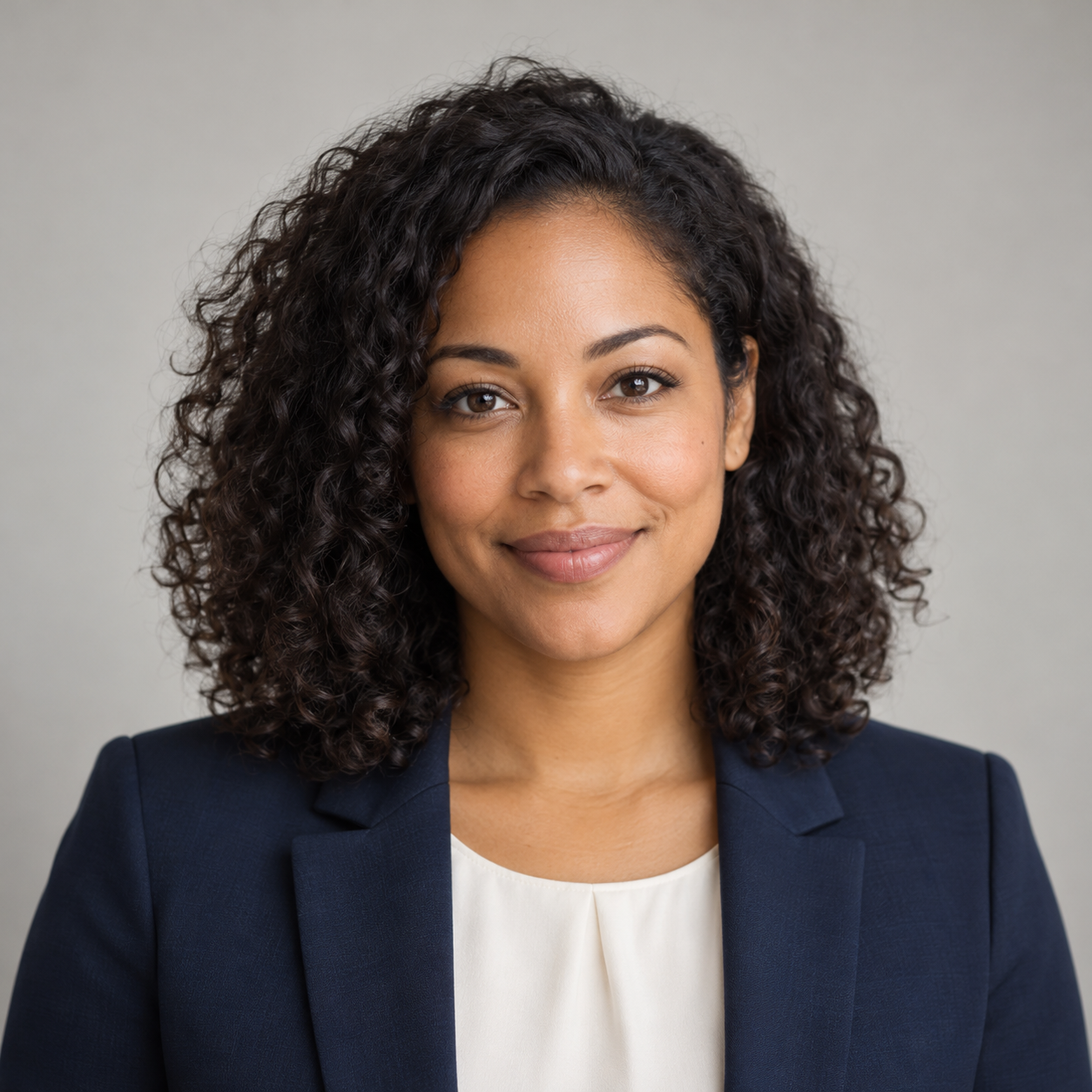 AI-created example · fictional person
A polished, approachable headshot for your LinkedIn profile, CV or résumé. Start with this look, then make the prompt your own.
See the sample and editable text prompt before you start.
Soft light. A simple background. A natural expression. This fictional example illustrates the style; your own photo will provide the reference for your likeness.
STYLE REFERENCE · FICTIONAL PERSON
Choose your destination and add a clear photo of yourself. We’ll use your selected look as the starting point.
Choose up to 4 recent photos of the same adult, added one at a time or together. Include a clear front-facing photo and optional different angles. Keep your whole head and shoulders visible, with even lighting and no sunglasses or heavy filters. JPG, PNG or WebP, up to 25 MB each; large photos resize automatically; at least 128 × 128 pixels.
Your photos and prompts are sent to Google to create your results. Uploaded and generated media is stored with Bunny. Your gallery is not public; authorised studio admin access is available for support, troubleshooting and quality review.
Saved media stays until you remove it or delete your account. Account deletion queues media removal, normally within 24 hours; backups and provider retention may differ. Read our photo privacy policy.
For better results, use a clear, well-lit photo without heavy filters. AI likeness, colours and clothing details may vary.
Your photo stays on this device until you upload it.
See example artwork for this style. It does not use your photo, create a new image or spend crystals.
Standard: 1 crystal · High detail: 2. Pricing is confirmed before generation.
Checking image services…
Your uploaded photo stays private to your account. You can reuse it here for 24 hours.
Choose a collection, pick a look, and create right here.
Your photos, your message, your moment. Bring a product or idea to life with a still advert or a short video.
Add your logo, presenter and products together with your message on the next screen.
AI-created example. Check text, logos and product details before sharing.Add your product, logo and presenter photos below. Numbered references help you describe their roles.
Add a finishing touch. Choose a decoration, then resize it and touch the decoration in the preview to select and drag it. Touch another decoration to switch. Position sliders work too.
PNG works best for a transparent background. JPG or WebP also accepted, up to 3 MB.These are still decorations, preserved exactly in the finished file. In videos, they appear during the final three seconds with your branding.Choose the person as Reference 1. Removing the background is optional.
Drag to suggest the headline position. Font, colour, size and position are AI style requests, not exact placement. This preview is a guide only.
Your brief fills the editable prompt below. Add your references, confirm permission and check the crystal price before generating. Your uploaded logo and closing brand, headline, call to action and website are added unchanged to the saved file: throughout image adverts and during the final three seconds of video. Scene details and spoken words are AI-generated; check them before sharing.
Replaces the entire generated description, including any edits made there. Your photos, logo and form details stay in place.AI-created sample artwork. It illustrates the collection; your prompt and reference shape your own result.
SAMPLE · NO CRYSTALS SPENT